
CheckOut
Check-in codes, instantly. Get the app.

At CheckOut, we prioritise traditional and robust web development processes. Our scalable and resilient server network is powered by a classic stack of nginx, Varnish, and Node.js. For enhanced security, we use a non-Cloudflare security proxy to protect against DDoS attacks.
We avoid modern frameworks and technologies, focusing instead on proven, reliable methods. By not using serverless solutions, we maintain greater control over our infrastructure, ensuring better stability and performance. This traditional approach allows us to deliver consistent and secure services, minimising the risk of downtime and technical issues.
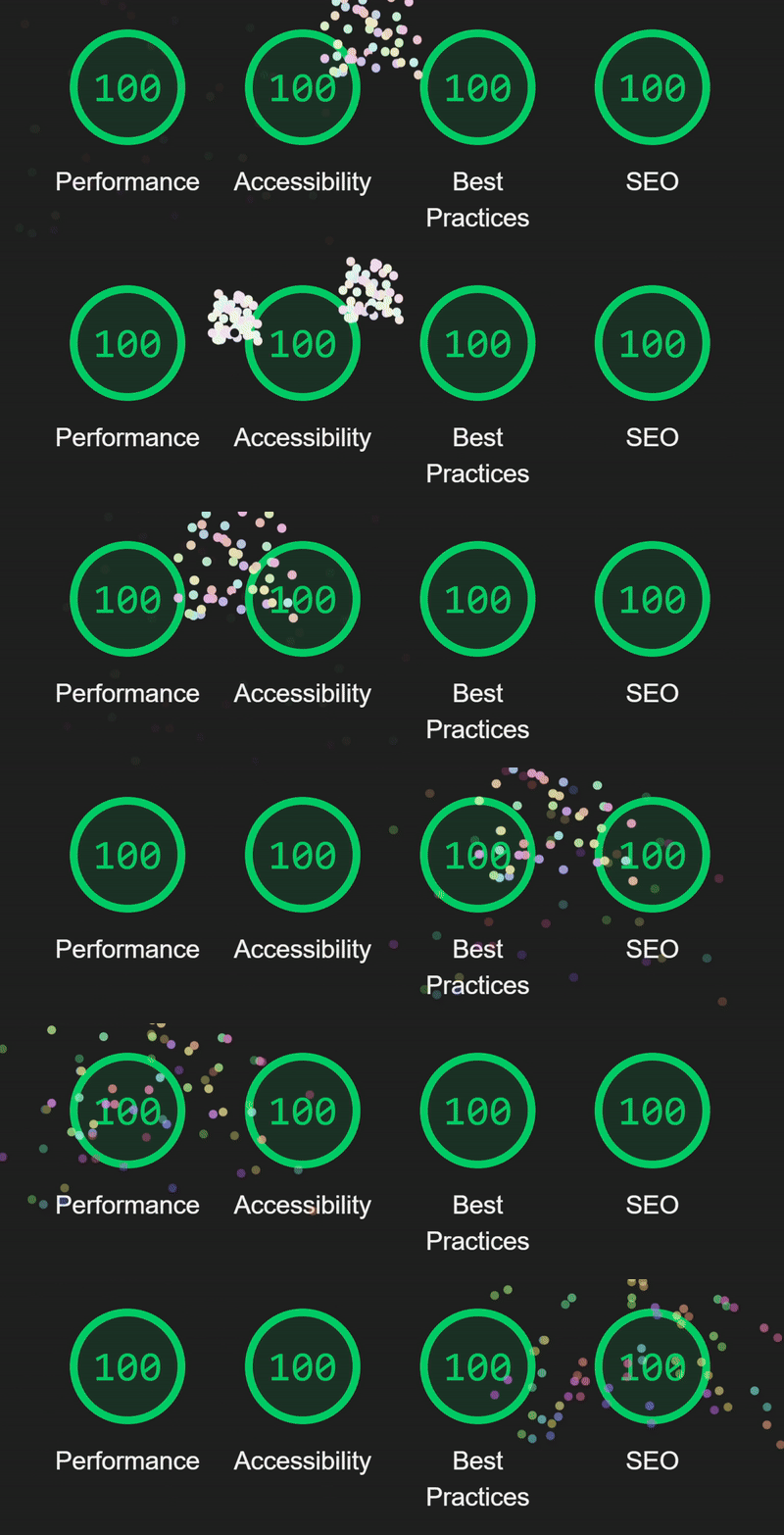
Pictured above is the lighthouse score for CheckOut.
We use a combination of your IP address, account information, and device ID (stored in a cookie) to identify and track your activity on our site, including submissions. This tracking system helps us build your reputation and enhance account functionality, ensuring a personalised and secure experience.
Please note that only logged-in users can access their settings page and manage their account information. For more control over your data, visit our Data Control page where you can reset and delete your information, and request a copy of any data we hold about you.
Displayed in the footer of the account and settings page, your device ID is linked to the cookie that CheckOut stores in your browser or mobile device, which is essential for reputation building and account functionality.
More information is available in the Terms and Privacy policy.
For performance reasons and to ensure the best user experience, especially during busy times, API and code results are hard-cached. This means the cache cannot be manually refreshed by users. However, data should not be delayed by more than a minute, and in normal use, the data displayed on the home page, for example, is updated almost instantaneously.
Please note that caching does not affect AutoCheckin users, as their check-ins are processed instantly on the server-side.
We are pleased to offer a RESTful API for your use. While our site is accessible to anonymous users (please refer to the FAQ section below for details on account requirements), anyone can utilise the API to retrieve data on codes, courses, classes, and other structured information related to our platform. You can explore all the available features in our API explorer.
Please note that CheckOut's API is governed by fair use policies. Along with adhering to our terms of service, it is important not to use the API in ways that could negatively impact other users' experiences. This includes avoiding excessive data requests for timetables and refraining from actions like updating account information or attempting to bypass the cache. Submission of codes via the API is prohibited. Only applications that have received prior approval are permitted to submit codes through the API. To submit codes, please use the web forms available on our web and mobile applications. For more details, visit our API explorer.
Our mobile app is open source and available on GitHub. We welcome contributions and feedback from the community.
If you wish to get access to the codebase for the CheckOut backend and website, please contact support and we'll be happy to discuss access with you.
CheckOut includes many timetabled and standard courses. If you can't find your course in the course selection page or have any other questions, please contact our support team.
Codes with the Verified mark have been verified through AutoCheckin or by a moderator. Submitters with high-reputation scores may also receive verification. Click on the Verified button next to a code for transparency behind the code's verification status.
The overwhelming majority of codes appear for all users within a couple of seconds. However, poor network connections and quality control checks during peak periods can cause this to take longer.
If your code still hasn't appeared, please contact support with your code and session details so we can investigate.
The error code 'auth_error' occurs when trying to use an API endpoint that you have not got permissions for. As described in the API explorer, some or all endpoints may require changing authentication requirements. You can prepare your application for this by getting an API key from your account and providing it in the X-CheckOut-Key header.
If you notice an incorrect code, you can use the 'Report Code' option if available on the code entry. If this option isn't visible, please contact our support team with details about the incorrect code. We greatly appreciate our users helping to maintain data accuracy on CheckOut.
We work hard to ensure code accuracy through our reputation scoring system and moderation processes, but user reports are invaluable in helping us maintain high-quality data for everyone.
If you've submitted an incorrect code or selected the wrong session, visit your submission history and click the 'Undo' button next to the incorrect submission. After undoing the incorrect submission, you can immediately submit the correct code or submit to the correct session.
If you can't find the submission in your history, please contact our support team immediately to have it removed. Taking prompt action helps prevent reputation damage and potential account restrictions.
Currently authentication is set to false. If set to true, an account is required for all pages on the site and mobile app. Usually, an account is not needed to access codes, however an account-only restriction may be set for submissions.
If your Google account, passkey, or other login method is compromised, inform us using the above email. We can then remove the compromised method from your account.
We'll try our best to help. Contact support.
To change your email address, please contact support. Our team will assist you with updating your email while ensuring your account remains secure.
If you've discovered a security vulnerability, please email support@jemedia.xyz immediately. Include as much information as possible about the vulnerability, including steps to reproduce, potential impact, and any supporting documentation. We take all security reports seriously and will investigate them promptly.